Mac Game Doctor
Black Myth: Wukong on Mac
You can try it if you already own the game.
Local runtime path is high risk until a named Mac run is reported.
Data is thin. It may fail at launch, login, graphics, FPS, input, or saves.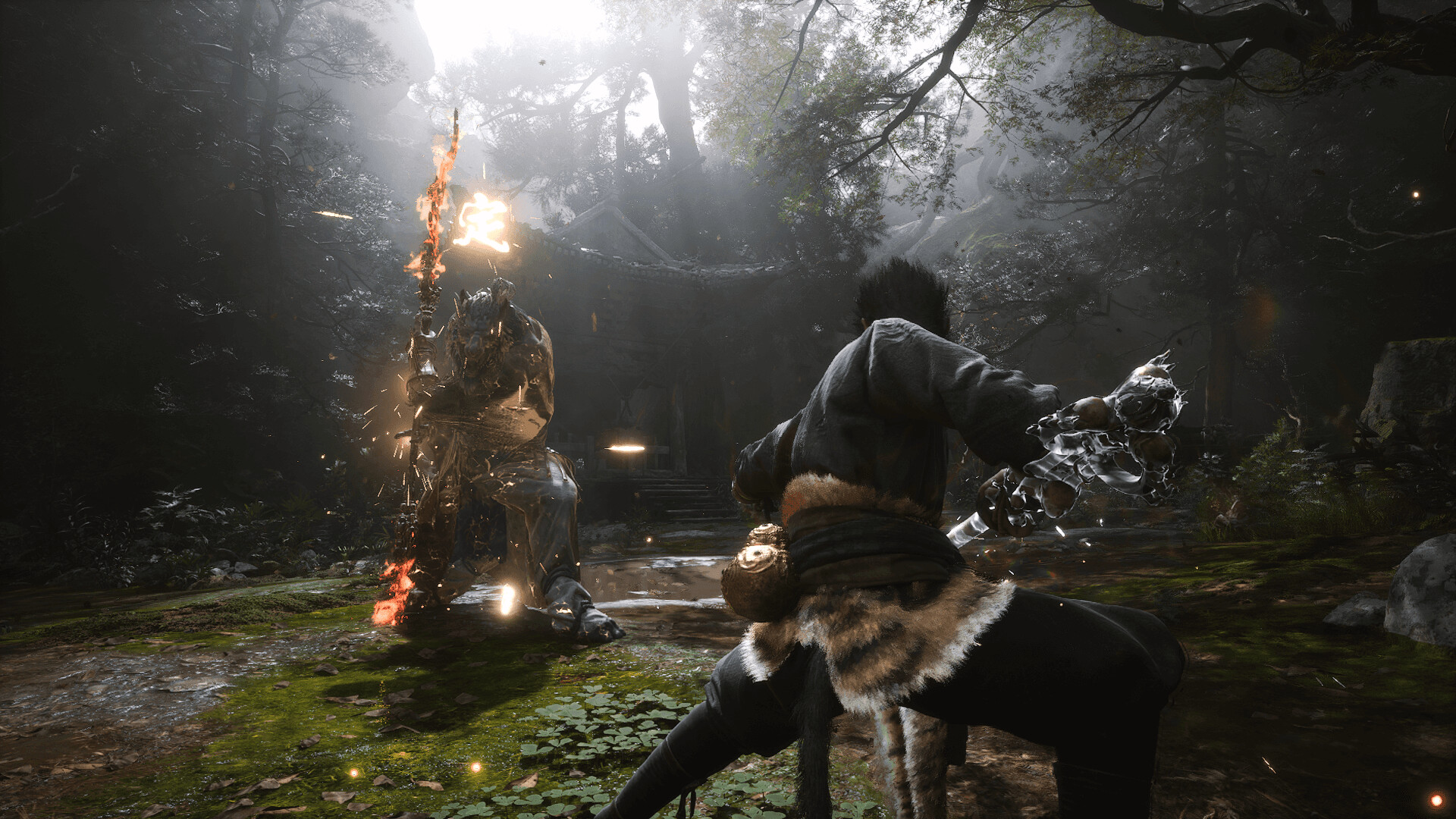
- UE5
- D3D12
- Denuvo
- Heavy GPU load
No named Mac result has been submitted yet.
Buy the right version
Use the Windows PC copy
Do not buy Black Myth just for Win Over yet. This page is still high risk.
Buy the PC version
- Buy
- Windows PC version
- Edition
- Use an owned PC copy only; skip premium editions until a Mac result exists.
A console copy does not give Win Over a local Windows PC install.
Console-only, mobile, and disc-only copies are not local Win Over installs.
Check Steam PC versionDownload Win Over
Own the right PC version first, then add your Mac and continue to the current Win Over build.
Run the first path
- Open Win Over only if you already own a Windows PC copy.
- Start with the safest offline or single-player path shown on this page.
- Share launch, FPS, controller, audio, save/load, and crash notes after testing.
Compatibility
Status
- Apple Silicon
- Needs player reports by chip.
- Intel Mac
- Not prioritized for this phase.
- macOS
- macOS 14 or newer preferred for first reports.
Performance
FPS and quality
- FPS
- No FPS report yet
- Quality
- Unknown until a Mac run is submitted
- Preset
- Start low, then report settings
Reports
Community
- Status
- Open for reports
- Need
- Launch result, FPS and graphics preset, Mac chip and memory
M1-M5 coverage
Apple Silicon compatibility
Needs player reports by chip.
Run methods
Best path first
Game source and run method are tracked separately. Steam, Epic, and GOG describe where the game comes from; CrossOver, Highball, Parallels, cloud, native, and PlayCover describe how it may run on Mac.
Local runtime path is high risk until a named Mac run is reported.
Needs: Stable broadband, Region where the cloud catalog is available, Game entitlement or cloud catalog access
Useful only when graphics, launcher, and input behavior are reported separately.
Needs: Owned game copy, Apple Silicon Mac details, Current macOS version
Local CrossOver results need a named launch, graphics, FPS, and input report.
Needs: Owned game copy, Apple Silicon Mac details, Current macOS version
Fix Pack
Black Myth Fix Pack
Fix Pack requires launch logs, FPS/settings, controller, audio, save/load, and crash notes from owned copies.
Player reports decide whether this page moves from try-open to a playable or blocked status.
Launch result
FPS and graphics preset
Mac chip and memory
macOS version
Controller, audio, saves, and crash notes
FAQ
Black Myth on Mac questions
Can you play Black Myth: Wukong on Mac?
You can try it if you already own the game.
What is the best Black Myth: Wukong Mac run path?
Cloud gaming is the first path to check. Local runtime path is high risk until a named Mac run is reported.
Does Black Myth: Wukong work on M1, M2, M3, M4, and M5 Macs?
Coverage is tracked per chip. Current Apple Silicon note: Needs player reports by chip.
What can block Black Myth: Wukong on Mac?
UE5, D3D12, Denuvo, Heavy GPU load
Is there a Black Myth: Wukong Fix Pack?
Black Myth Fix Pack: Fix Pack requires launch logs, FPS/settings, controller, audio, save/load, and crash notes from owned copies.