Mac Game Doctor
Boomerang Fu on Mac
Boomerang Fu runs through Win Over on our tested Apple Silicon Mac.
Current local path uses the Win Over runtime with Wine staging and DXMT for D3D11.
More Mac models, controller checks, audio, saves, FPS, and longer sessions are still being added.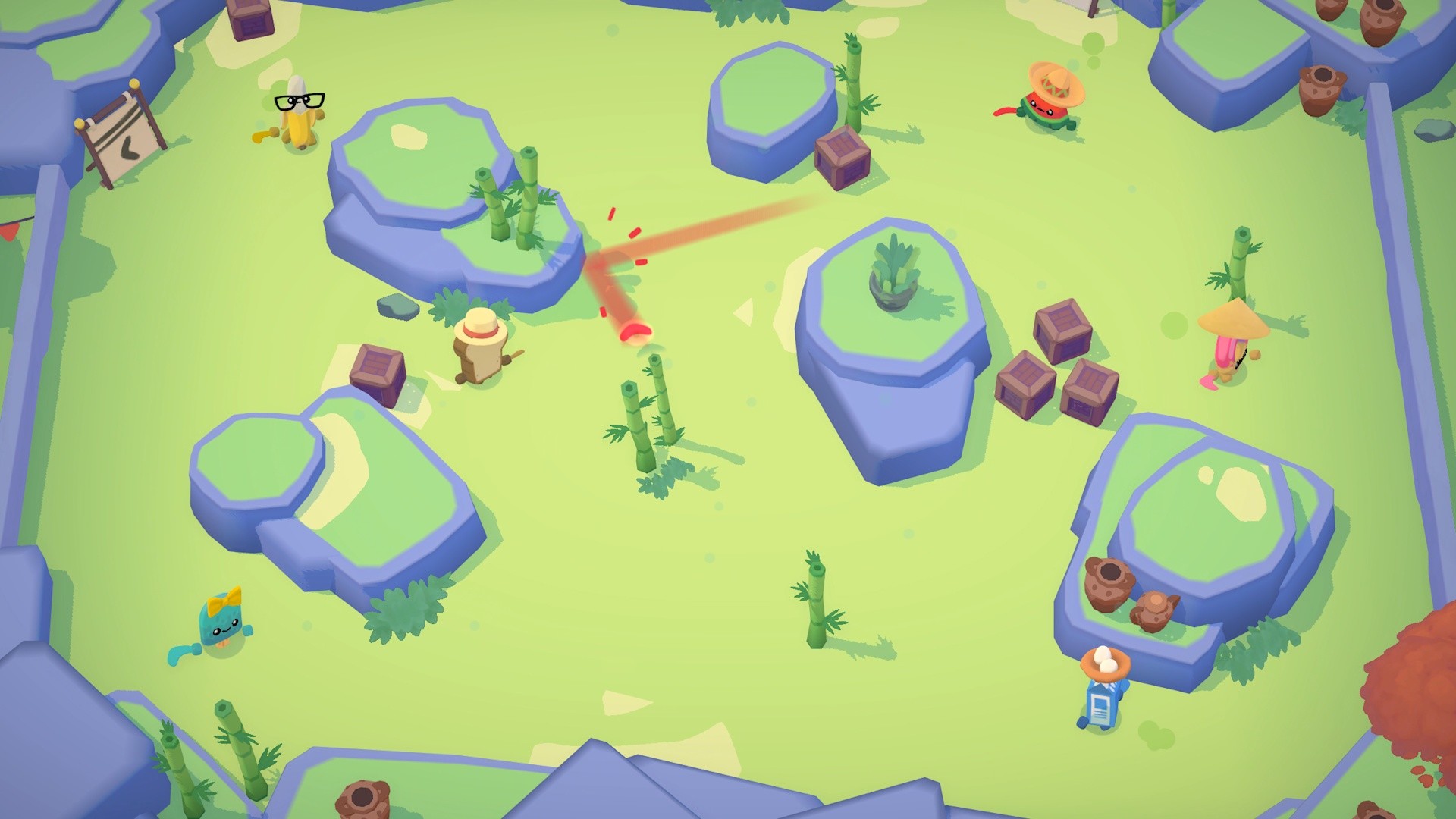
- FPS not published
- Controller not verified
- Save/load and audio need reports
Visible launch and bounded gameplay result on one named Mac.
Buy the right version
Use the Windows PC copy
This game has a playable demo result, but broader Mac coverage is still being added.
Buy the PC version
- Buy
- Steam Windows PC version
- Edition
- Local play test first. Start with the base or Standard Edition; buy DLC after launch works on your Mac.
This page tracks the Steam PC path first. Other PC stores should be reported separately.
PlayStation, Xbox console, Nintendo, mobile, and disc-only copies do not install locally through Win Over.
Open SteamDownload Win Over
Own the right PC version first, then add your Mac and continue to the current Win Over build.
Run the first path
- Open Win Over and choose this game.
- Start with Local play test; avoid online modes unless this page lists them as ready.
- Send back FPS, controller, audio, save/load, and crash notes.
Compatibility
Status
- Apple Silicon
- M3 Pro checked; wider matrix incomplete.
- Intel Mac
- Not prioritized for this phase.
- macOS
- macOS 14 or newer preferred for first reports.
Performance
FPS and quality
- FPS
- FPS capture pending
- Quality
- 720p windowed test path
- Preset
- D3D11 runtime path
Reports
Community
- Status
- Local seed result
- Need
- Launch result, FPS and graphics preset, Mac chip and memory
M1-M5 coverage
Apple Silicon compatibility
M3 Pro checked; wider matrix incomplete.
Run methods
Best path first
Game source and run method are tracked separately. Steam, Epic, and GOG describe where the game comes from; CrossOver, Highball, Parallels, cloud, native, and PlayCover describe how it may run on Mac.
Best current Win Over path. It reached matches twice on an M3 Pro Mac.
Needs: Owned game copy, Apple Silicon Mac details, Current macOS version
Useful comparison path for D3D11 behavior and controller/audio checks.
Needs: Owned game copy, Apple Silicon Mac details, Current macOS version
No Parallels result is published for this page.
Needs: Owned game copy, Apple Silicon Mac details, Current macOS version
Fix Pack
Boomerang Fu local runtime notes
The Fix Pack can ship after public FPS, controller, audio, save/load, and longer-session checks are added.
One local Apple Silicon result seeds the page; more chips and longer sessions are needed.
Launch result
FPS and graphics preset
Mac chip and memory
macOS version
Controller, audio, saves, and crash notes
FAQ
Boomerang Fu on Mac questions
Does Boomerang Fu run on Mac with Win Over?
Boomerang Fu runs through Win Over on our tested Apple Silicon Mac.
What is the best Boomerang Fu Mac run path?
Highball is the first path to check. Current local path uses the Win Over runtime with Wine staging and DXMT for D3D11.
Does Boomerang Fu work on M1, M2, M3, M4, and M5 Macs?
Coverage is tracked per chip. Current Apple Silicon note: M3 Pro checked; wider matrix incomplete.
What can block Boomerang Fu on Mac?
FPS not published, Controller not verified, Save/load and audio need reports
Is there a Boomerang Fu Fix Pack?
Boomerang Fu local runtime notes: The Fix Pack can ship after public FPS, controller, audio, save/load, and longer-session checks are added.