Game-specific Mac status
Boomerang Fu Mac
Boomerang Fu is the current Win Over demo. We have a local Apple Silicon Mac run, but it still needs wider hardware, controller, audio, and long-session checks.
What to do now
Playable in our local Mac test
Join early access if you want to try the current demo path.
Use an Apple Silicon Mac and tell us your chip, memory, and store version.
Expect missing coverage for controllers, audio proof, long sessions, and more Mac models.
Demo proof
Boomerang Fu demo proof
The current proof is a repeatable local runtime result, not a broad compatibility claim.
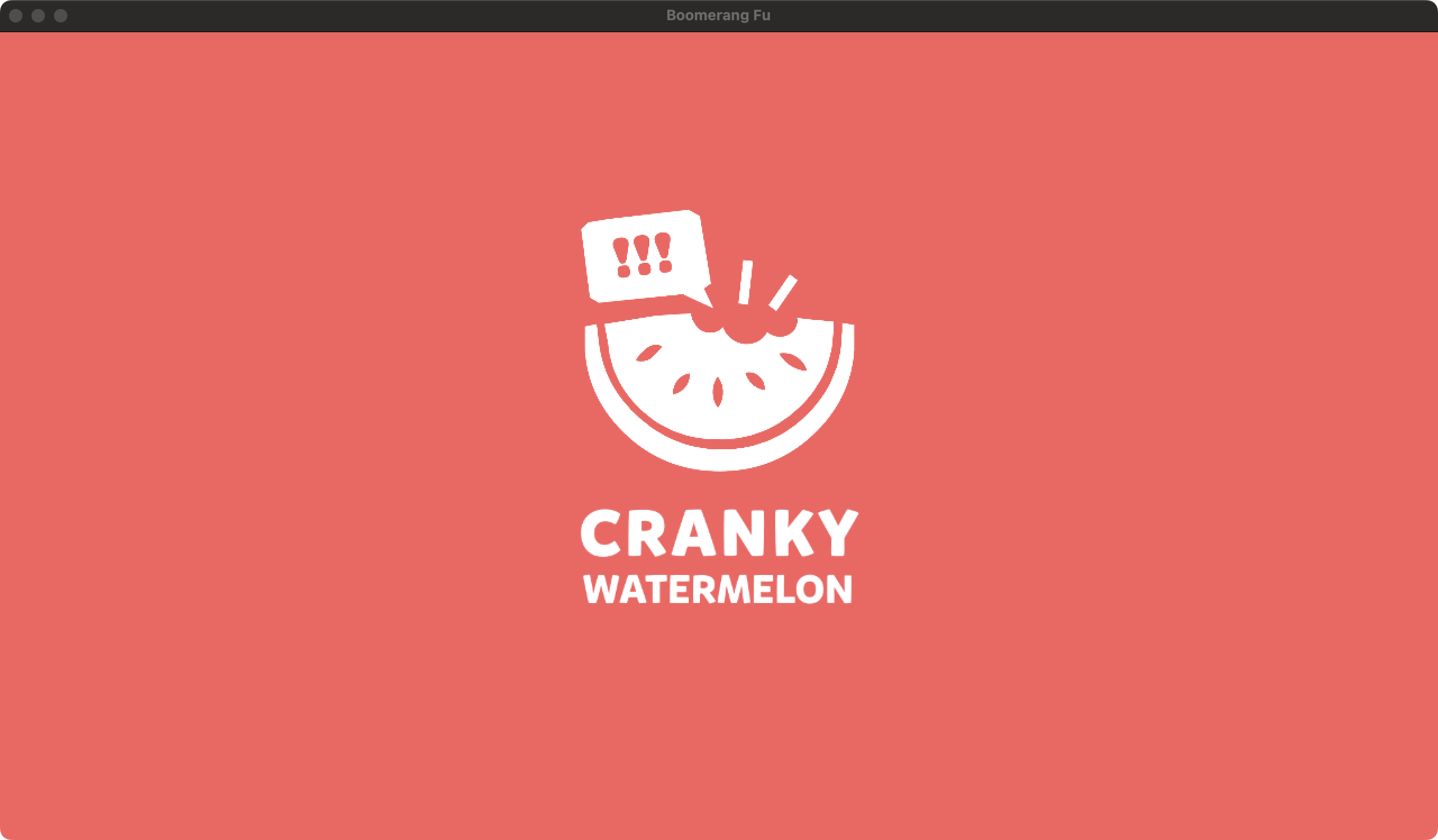
What passed
- Entered actual matches twice through a D3D11 runtime path.
- Completed the keyboard replay twice and detected scene changes after input.
- Kept the process alive through both capture runs with no fatal runtime markers.
Test environment
- Mac
- Mac15,6, Apple M3 Pro, 18 GB memory
- macOS
- 15.7.2, build 24G325
- Game
- Boomerang Fu 1.3.3, Unity 2019.2.21f1, D3D11, x86_64
- Runtime
- wine-11.13 Staging, DXMT D3D11, 1280x720 windowed
Still not claimed
- The public image is a visible launch-window screenshot, not an external gameplay-window acceptance.
- No physical controller, audible output, multiplayer, extended session, second Mac model, or second macOS release has passed.
- The game payload and internal captures are not redistributed.
Next proof: Before a stronger claim, capture a visible gameplay-window screenshot or short video from the Win Over path.
Local MacWinRunner evidence file: boomerang-fu-d3d11-gameplay-m3pro-20260728.jsonBefore you join
What we know right now
This is the page to try first if you want proof that Win Over is more than a concept.
Limits
What this page does not promise
Good first fit if you want to see the current Win Over runtime working on a real game.
Keyboard input and gameplay capture are the current focus.
Controller, audio, longer sessions, and more Mac models still need coverage.
FAQ
Questions about Boomerang Fu on Mac
Can I play Boomerang Fu on Mac with Win Over?
Win Over has repeatable local Apple Silicon Mac evidence for Boomerang Fu. It is still early access, so wider Mac models, controllers, audio proof, and long sessions remain separate checks.
What is the first Boomerang Fu path Win Over would test?
The first useful path is local play test. Broader modes are handled as separate compatibility checks.
Does Boomerang Fu online multiplayer work on Mac through Win Over?
Online multiplayer, matchmaking, and anti-cheat modes are not part of the first Win Over MVP promise for Boomerang Fu.
Do I need to share my Steam password to join the Boomerang Fu list?
No. Win Over asks for your email, Mac details, store or launcher, ownership status, and whether you can share redacted diagnostics. It does not ask for your game account password or account tokens.
Early access
Join the Boomerang Fu list
Early access is free. Future pricing has not been decided. Tell us your Mac model and store so we can match you to the right test path.